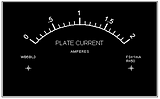
The Windows ® programs for
drawing analog meter scales
- These programs - Meter and MeterBasic - are designed to have a computer do the hard work in making a
precision scale for a d'Arsonval analog meter. The resulting scales can appear as nice (or nicer!) as those found on
commercial meters.
- Meter is a nice meterscale drawing program with no time or usage limitations. It requires a text-based key
to operate. It is updated frequently.
- MeterBasic is a fine program for the hobbyist who wants to generate a simple scale occasionally. MeterBasic
is based on a subset of the features found in Meter and there are no plans to update it regularly. MeterBasic requires
no key and has no time or usage limitations. To provide an incentive to upgrade from MeterBasic to Meter, many of the
features found in Meter are absent in MeterBasic.
- Upgrade from MeterBasic to Meter: simply download Meter and install it (it is a separate program from MeterBasic),
purchase the key for it and then take advantage of Meter's many wonderful features. Meter and MeterBasic are two
separate programs and they are installed in their own directories. As of MeterBasic's revision 3.06, files
generated by MeterBasic can be read by Meter.
Meter is a full-featured program requiring a purchased key to operate
MeterBasic requires no key and has no time or usage limitations but has limited capabilities to encourage the purchase of
Meter
Meter draws up to TEN scales on a single plate
MeterBasic draws one scale on the plate
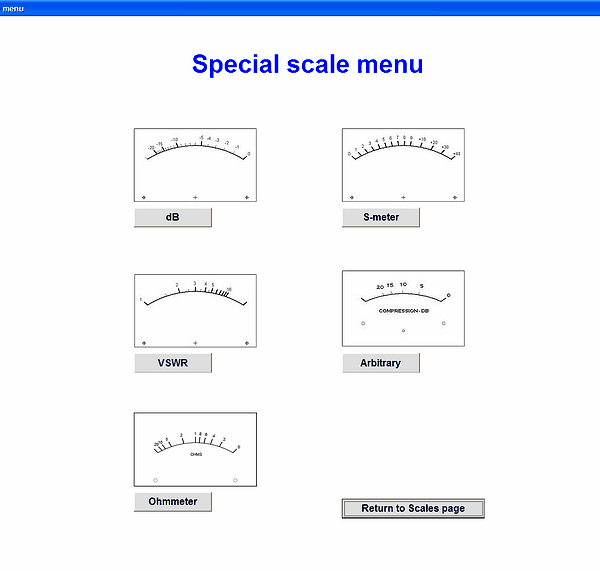
The program does dB, vu, VSWR, S-meter and ohmmeter scales; each of those routines has appropriate options for
customization. Ohmmeter scales can have zero ohms at either zero deflection or fullscale deflection. All of those are in
addition to totally-arbitrary scales
MeterBasic allows you to design a single linear scale. It won't do any of those complex scale types.
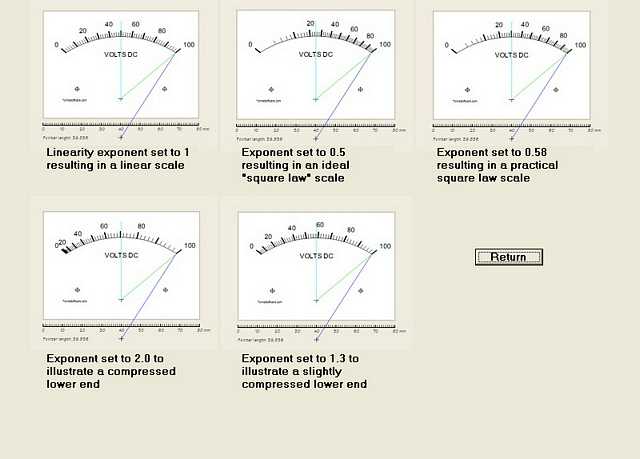
Each scale can have a specified linearity; specify a power (wattmeter) scale or a slightly nonlinear AC voltmeter scale
with a few key strokes
MeterBasic draws only linear scales
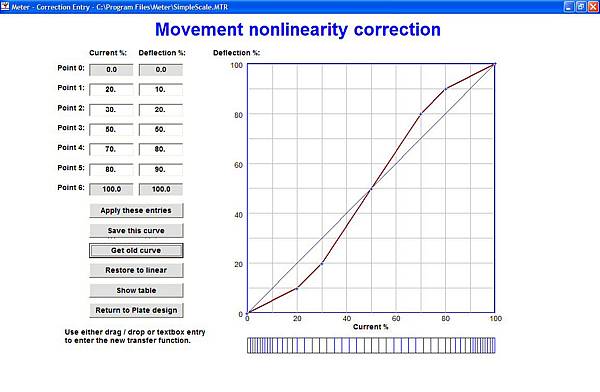
The meter movement nonlinearity can be accommodated; this is especially useful when inexpensive meters are involved
MeterBasic assumes an ideal (linear) movement
Each scale can have its own font, selectable from most of those on the computer
MeterBasic uses "Arial" (sans-serif) font for the single scale
Each scale can have its own font size
MeterBasic allows the font SIZE for the single scale to be selected
Each scale can have its deflection - its length - adjusted to allow matching of, for example, percent or voltage scales
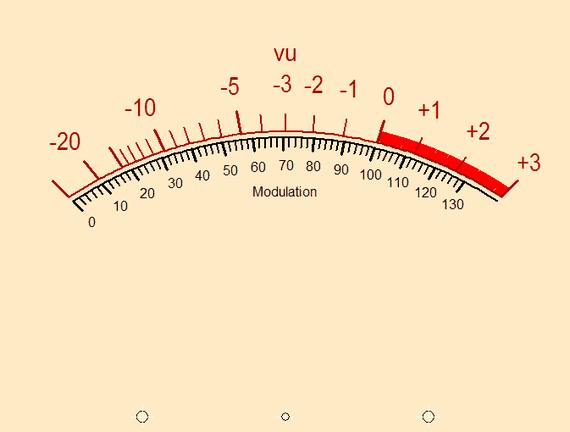
to dB or vu scales. [See "vu meter with percent" below]
MeterBasic does not have this feature (it is not needed when only one scale is present)
In addition to each scale's label, TEN text strings can be placed on the plate. Each of these can be placed in
arbitrary locations with its own font style, size and color; they are printed horizontally
MeterBasic allows no added text strings
A graphic may be imported and placed on the scale. Graphic types .BMP, .GIF, .ICO and .JPG are accepted. Width, height
and placement can be freely adjusted
MeterBasic allows no added graphics
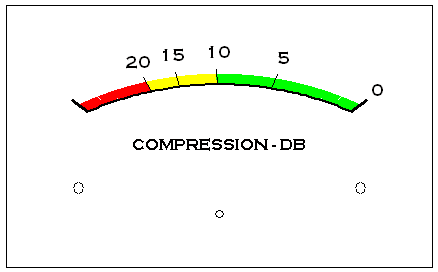
Up to TEN Highlights may be added to a plate. These may be used to indicate warning, overload, or target areas.
Each has independently assignable size, position and color
MeterBasic allows no highlights
The plate (background) color may be freely specified
MeterBasic allows only a white background
Each scale can have its own number of tic marks, how many of these ticmarks are made bold, how many are labeled, the
color of each, etc
MeterBasic prints only one scale on the plate. Ticmarks may be adjusted as in Meter but the scale foreground color must
be black
Each tic mark and its associated label can be printed (default) or not (by using the "Select Tics" routine)
All ticmarks and their labels must be printed
Text may be printed or omitted; most of the fonts available on your computer can be selected
MeterBasic uses only "Arial" (sans-serif) font
A design Wizard is available at program startup to assist in the design of a new scale from scratch
MeterBasic has no Wizard
This program has the uncommon ability to "flatten" the arc a user-selectable amount to make a more
modern-appearing scale. This is most usable with the thin "tubular" or "spadeless" style of pointer.
Same as for Meter
The length and width of both the minor and major tic marks are each adjustable
Same as for Meter
The arcs may be printed or omitted; their width (thickness) can be specified. 360 degree arcs are supported.
Same as for Meter
The program delivers output to any graphics-capable printer, color or black-and-white, which has been installed on the
Windows system. Just prior to printout the printer-selection panel appears to allow a last-minute change of printer or
redirection to a file or PDF writer.
Same as for Meter, bearing in mind that the output must be black printing on a white background.
The scale is written directly to the printer for maximum fidelity; the output is not a "screen dump." The fidelity of the
printed output will be much better than even a high-end monitor.
Same as for Meter
The scaleplate width and height, the mounting hole positions, positioning of scales on the plate, and other items are all
accommodated
Same as for Meter
A calibration routine allows correction of printed output width and height errors, regardless of the cause
Same as for Meter
Presentation on-screen is autoscaled to always make a full-sized image regardless of scale size. The printer printout is
auto-centered appropriately on the paper.
Same as for Meter
The program handles plate widths from 10 up to 250 mm, plate heights from 10 up to 180 mm
Maximum plate size is 180 by 180 mm
Extensive entry checking reduces probability of ridiculous results
Same as for Meter
The various dimensional entries are all metric (mm)
Same as for Meter
All of the design data is written automatically to a "LastSession" file at program exit time, allowing a simplified
program restart. Start the program, click on the "Last Session" button and continue where you left off.
Same as for Meter
The supplied file as downloaded is a self-extracting installation routine. The program itself is installed in a standard
manner. Its icon is placed on the desktop by default to enable a shortcut.
Same as for Meter
Price of unlocking key for Meter: $55
No key is required for MeterBasic
These programs are not general-purpose drafting tools, and they won't duplicate the appearance of all existing scales.
They will, however, do a very nice job of making modern-appearing meter scales in a vast majority of cases.
Using the text-based key system (no "dongle"), upgrades for Meter are free: just download any later version, uninstall
the old, install the new and get on with your tasks! No upgrades are planned for MeterBasic.
Meterscale drawing methods involving pen and ink, erasers, compasses, transfer letters, scanners and graphics editors
and so on are now history.
An informative and very practical video by W2AEW on the subject of analog meter movements is here.
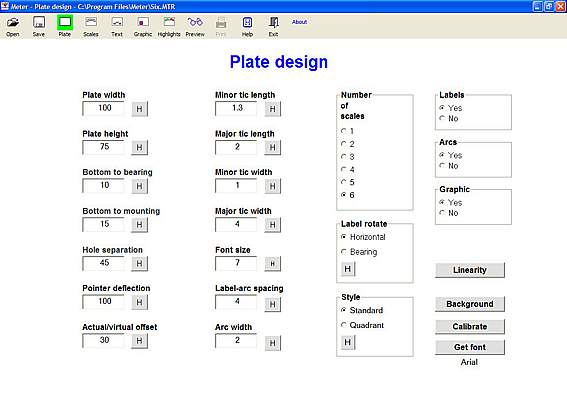
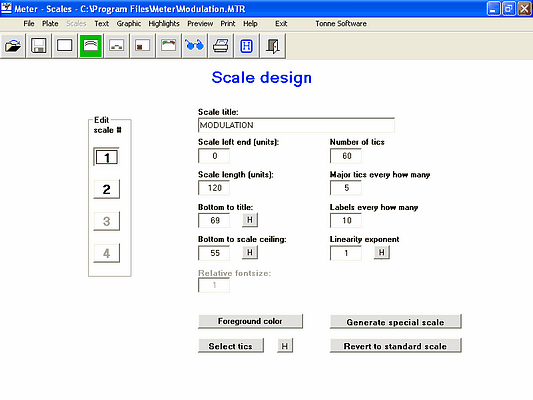
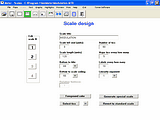
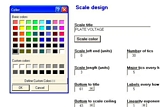
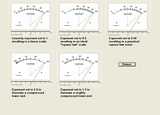
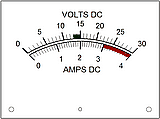
Here are screen dumps from Meter illustrating some of the outputs to the screen. Screens on MeterBasic are somewhat
simplified because some of the options are not available. Click on any of these screen dumps to see larger versions; use
your browser's BACK button to return.
Plate design page:

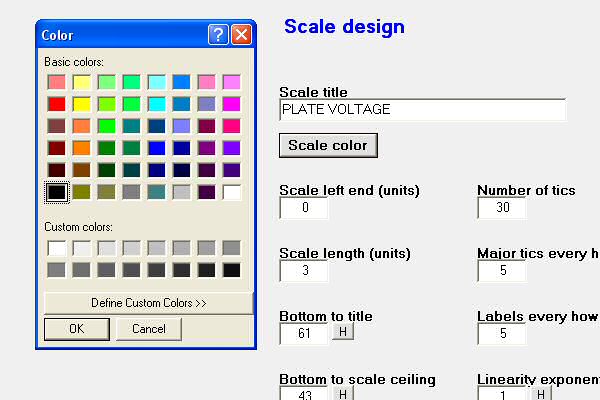
Scale design page:
Special scale menu:

Color selection:
Exponent help:
Linearity entry page:

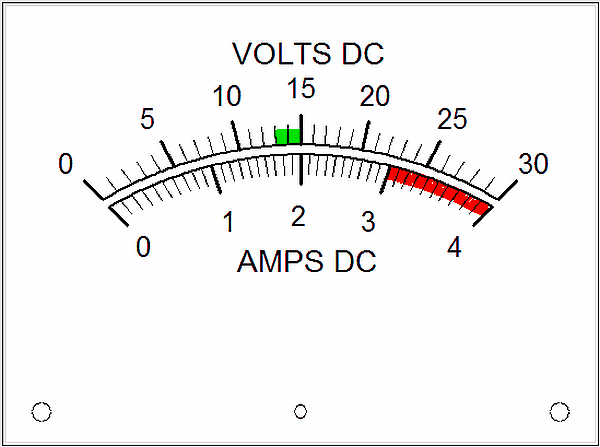
Two scales on a plate:
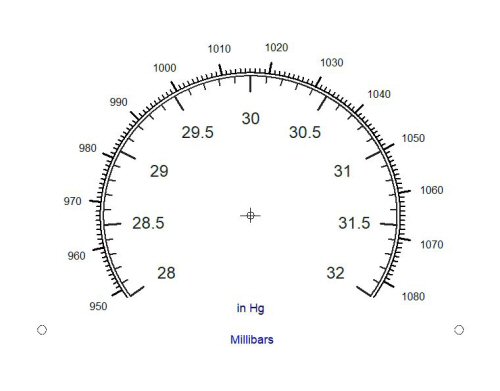
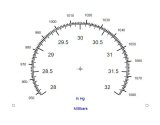
Dual-scale Barometer:
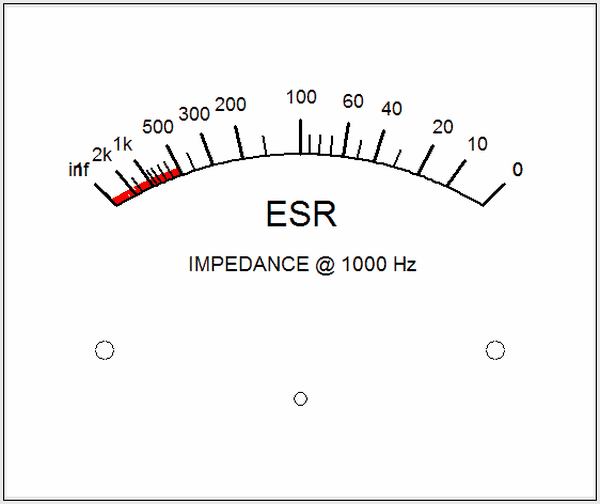
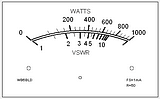
Ohmmeter scale:

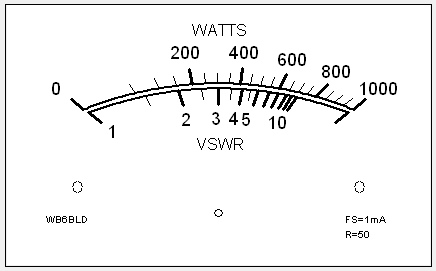
Wattmeter:
S-meter:

Arbitrary scale:

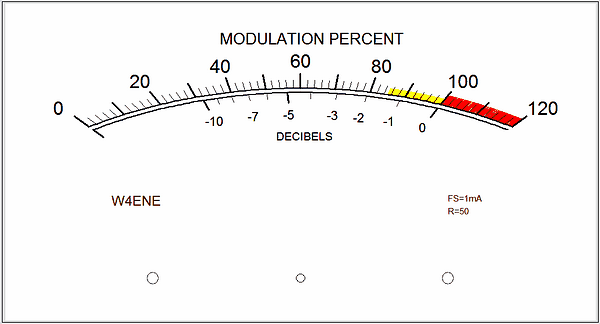
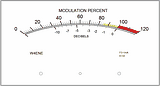
Modulation monitor:
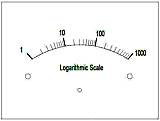
Log scale:
vu meter with percent:

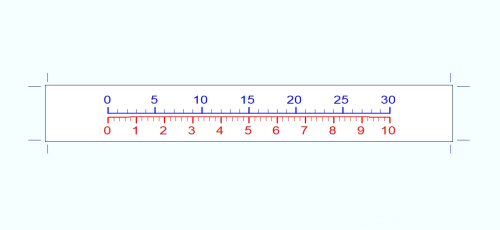
Edgeview:

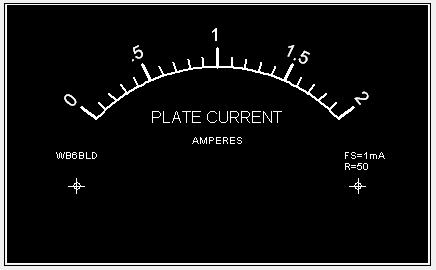
White on black: